
SERVL Sync
The Windows app that keeps our four list folders on your PC or VPS, refreshed every two hours.
The download is included with an active Monthly, 6 Months or Yearly plan. Check your subscription →
- Sign in with
- Password
- Your members area password
- Licence
- 1 PC included
- Runs on
- Windows 10, 11, Server 2016+
First run: Windows may say “Windows protected your PC” because the app is new. Click More info → Run anyway, and allow it if your firewall asks. It only makes outbound connections to our feed server.
Set up in three steps
Takes about five minutes, and you only do it once.
-
 1
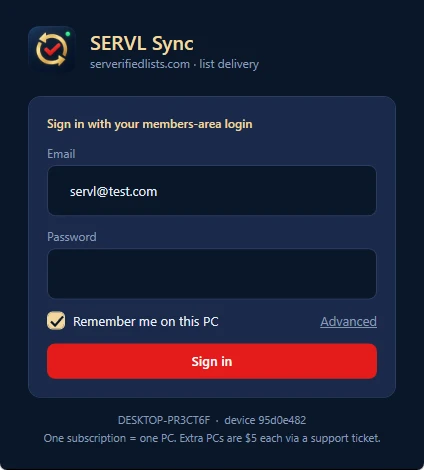
1Install and sign in
Run
SERVL_Sync.exe, then sign in with your members email and password. Leave Remember me ticked so it signs itself in after a reboot. -
 2
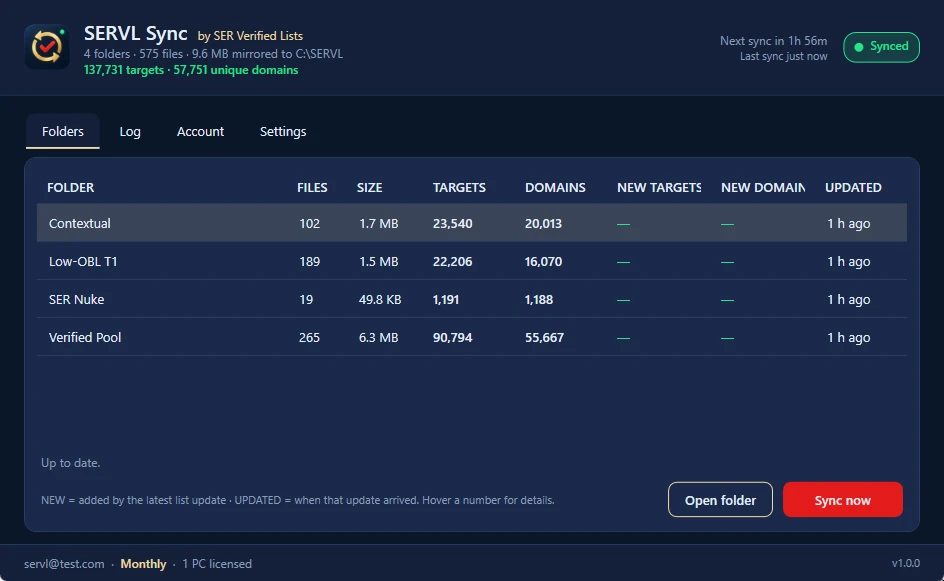
2Let it clone the folders
The first sync starts on its own and takes under a minute. Four folders appear under
C:\SERVL\. In Settings, tick Start with Windows. -
 3
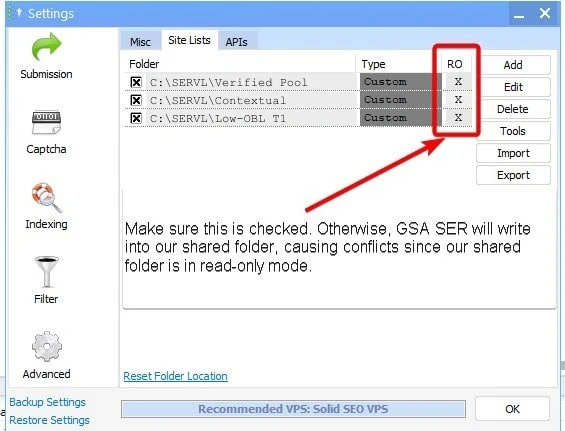
3Connect GSA SER
In GSA SER: Options → Advanced → Site Lists → Add each SERVL folder with Read Only ticked. Then in each project: Use URLs from global site lists → User Defined → pick the folder, and set search engines to Check None.
Which folder for which project
Each folder is one GSA SER site list (read-only, User Defined).
Contextual only, PA/DA 15+, OBL under 50. Slow on purpose.
Articles, wikis, web 2.0 and profiles where your content is the page.
Every verified platform. Buffers, indexing, maximum LPM.
Every SER Nuke engine pack, verified the day it ships.
Guides & templates
How to Use SERVL Sync with GSA Search Engine Ranker (2026 Guide)
Install SERVL Sync, sign in with your members login, add the four folders to GSA SER as read-only site lists, and keep every verified target fresh every two hours. Step-by-step, with real screenshots.
Read the guide →
GSA SER Tier 1 Backlinks: The 2026 Low-OBL Folder Playbook
How to build money-site-safe Tier 1 backlinks with GSA SER using the SER Verified Lists Low-OBL T1 folder: XEvil-first captcha stack, brand-heavy anchors, AI content, catch-all…
Read the guide →
GSA Search Engine Ranker Best Practices Guide (2026): The Settings We Run on Our Own Servers
Thread counts, proxies, the XEvil-first captcha order, emails, AI content, filters and project options — the GSA SER configuration we run alongside SER Verified Lists, updated for 2026.
Read the guide →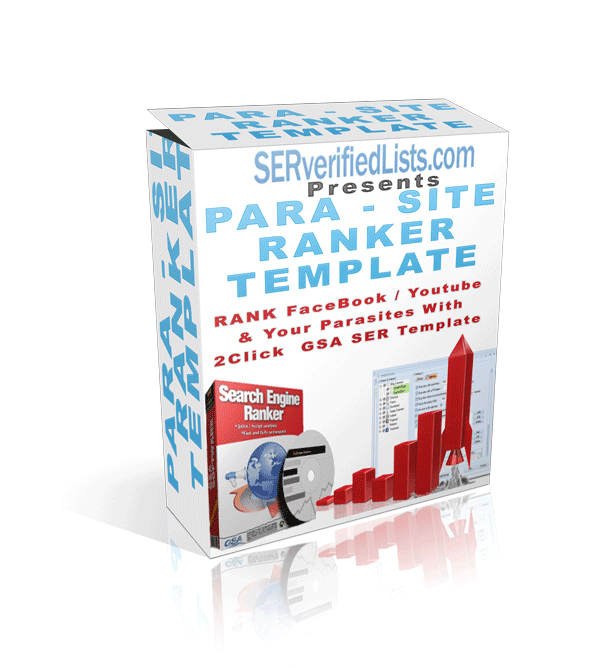
GSA SER Parasite Template: 5 Tiers for Facebook Pages, YouTube Videos and Other Parasite Properties
Our five-tier GSA SER template for ranking parasite pages — Facebook, YouTube, Blogger and similar. Download, import, add your URLs and run.
Read the guide →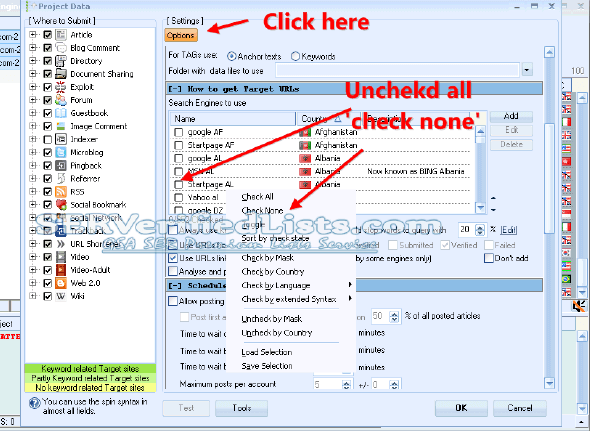
How to Make a GSA SER Project Post Only to Your Site List
Three settings that stop GSA SER scraping and make a project post exclusively to the targets in your site-list folder.
Read the guide →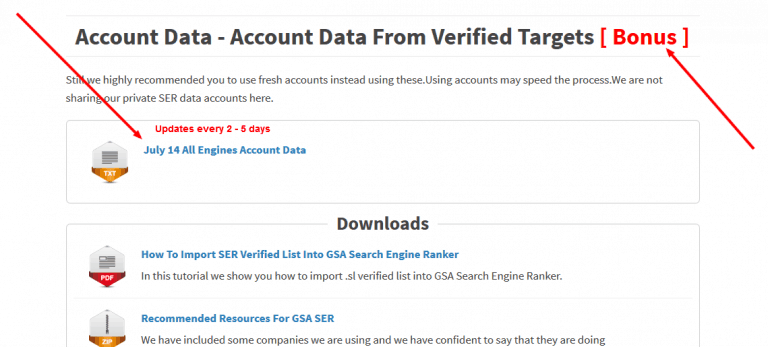
How to Import Account Data into GSA SER Projects
Reuse existing platform accounts across GSA SER projects: import an account file, or paste a selection from the clipboard.
Read the guide →